The browser that gets more done
For Windows 11/10 64-bit.
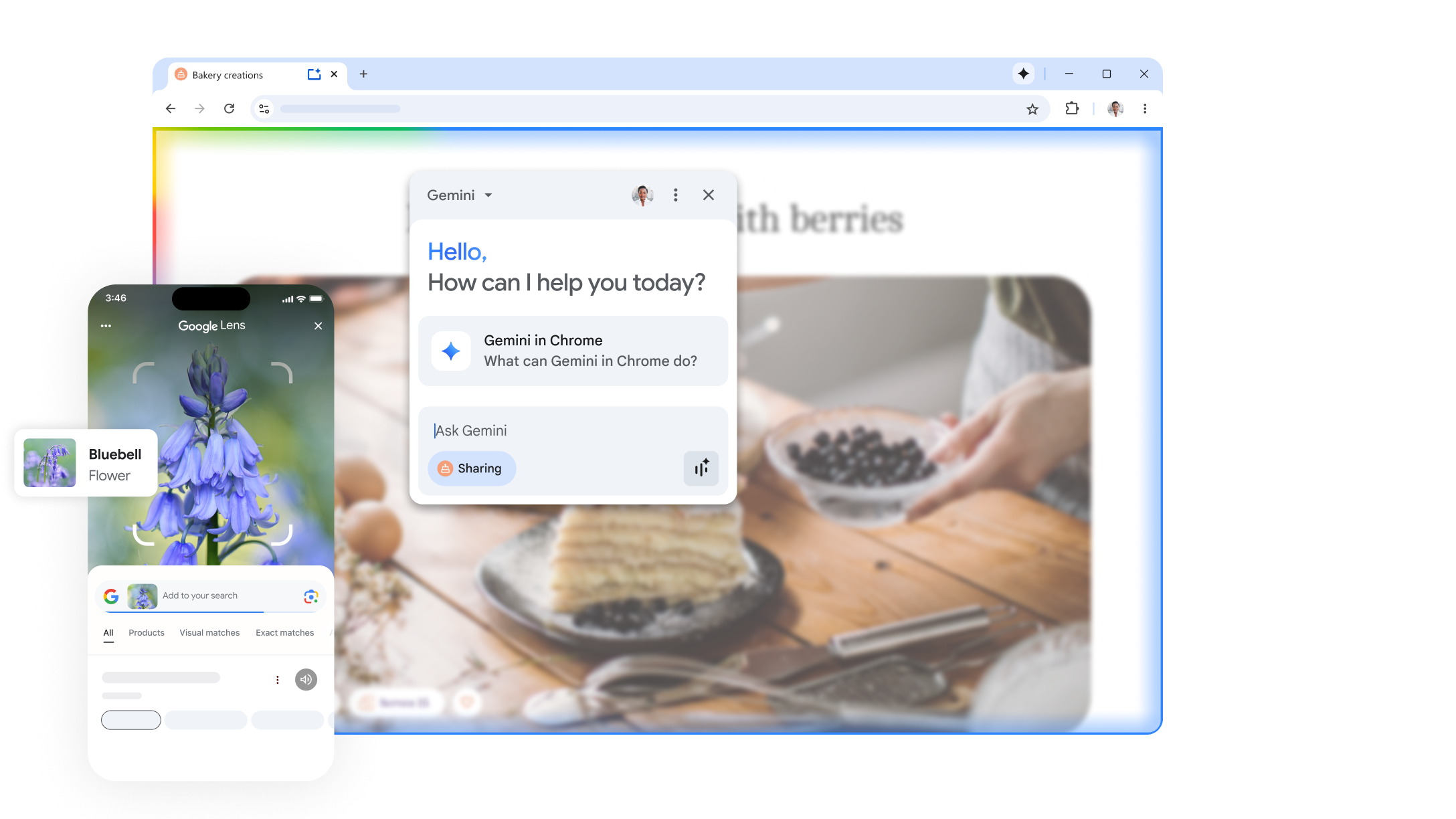
Browsing boosted with built-in AI
Get help from AI in the browser you already know and trust.
From words to visuals in one step
Go from words to visuals in one step with AI-powered image generation.
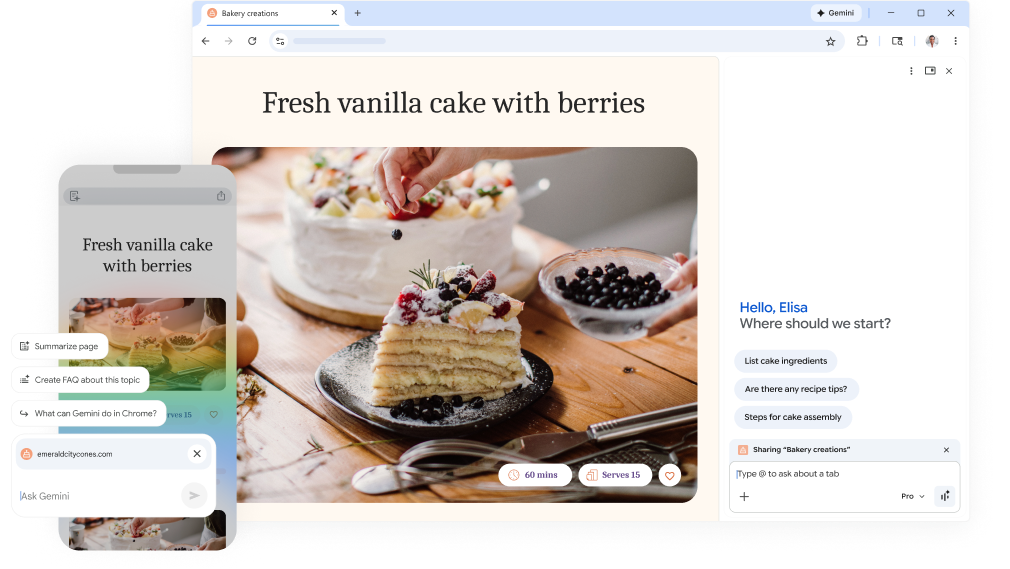
On every tab, there's a Gemini in Chrome.
Get help from Gemini on any page with a single click.
Powerful AI search for your toughest questions.
Get more comprehensive answers with AI-powered search.
See anything, search anything.
Search what you see with Google Lens right from Chrome.

Make it yours and take it with you

Customize your Chrome
Make Chrome your own with themes, dark mode, and other options crafted to match your style.
Choose your theme
From colors to artwork, make Chrome your own with a theme that fits your mood.
Browse across devices
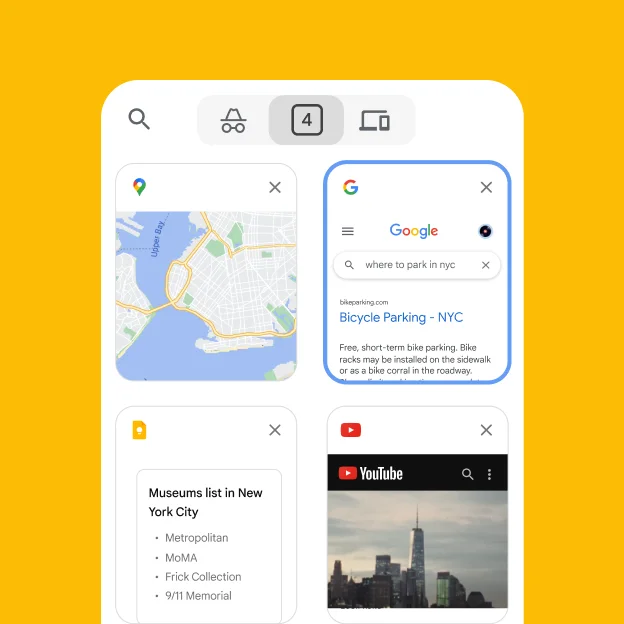
Sign in to sync and access your tabs, saved passwords, and more across all your devices.
Save time with autofill
Chrome autofills your passwords, payment methods, and more to save you time.
Extend your experience
From shopping and entertainment to productivity, find extensions to improve your experience in Chrome.





Stay safe while you browse
Use strong passwords on every site.
Chrome creates strong, unique passwords for you, and stores them securely.
Check your safety level in real time with just one click.
Safety Check helps you protect your accounts and browsing data.
Keep your privacy under your control with easy-to-use settings.
Chrome gives you control over your privacy preferences, right at your fingertips.
The fastest way to do things online
The browser by Google
The search bar you love, built right in.
Search from the address bar and get suggestions based on your browsing history.
Pay for things as quick as one click.
Use Google Pay to check out faster on the web.
Get things done, with or without Wi-Fi.
Access your bookmarks, saved passwords, and more, even offline.
Discover the latest from Chrome
Automatic updates
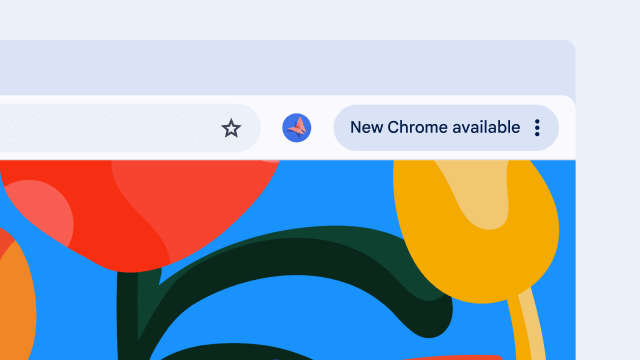
Chrome updates happen in the background, automatically delivering the latest features and security improvements.
New from Chrome
See what's new in Chrome and get tips from our team.
Frequently asked questions
How do I make Chrome my default web browser?
On your computer, open Chrome. At the top right, click More > Settings. Under "Default browser," click Make default.
How can I customize Chrome?
You can customize Chrome with themes, extensions, and more from the Chrome Web Store.
What are Chrome updates?
Chrome updates automatically to keep you safe and give you the latest features.
How do I update Chrome?
Chrome updates automatically. To check for updates manually, click More > Help > About Google Chrome.
Take your browser with you
Download Chrome on your mobile device or tablet and sign in to access the same great experience everywhere.
For Android and iOS.